I Made a Pro Instagram Reel in 20 Mins. A Beginner's Guide to Pika.
As a complete editing novice, I used AI to turn family videos from Jaipur into a polished Instagram reel. This is my step-by-step Pika beginner's guide.
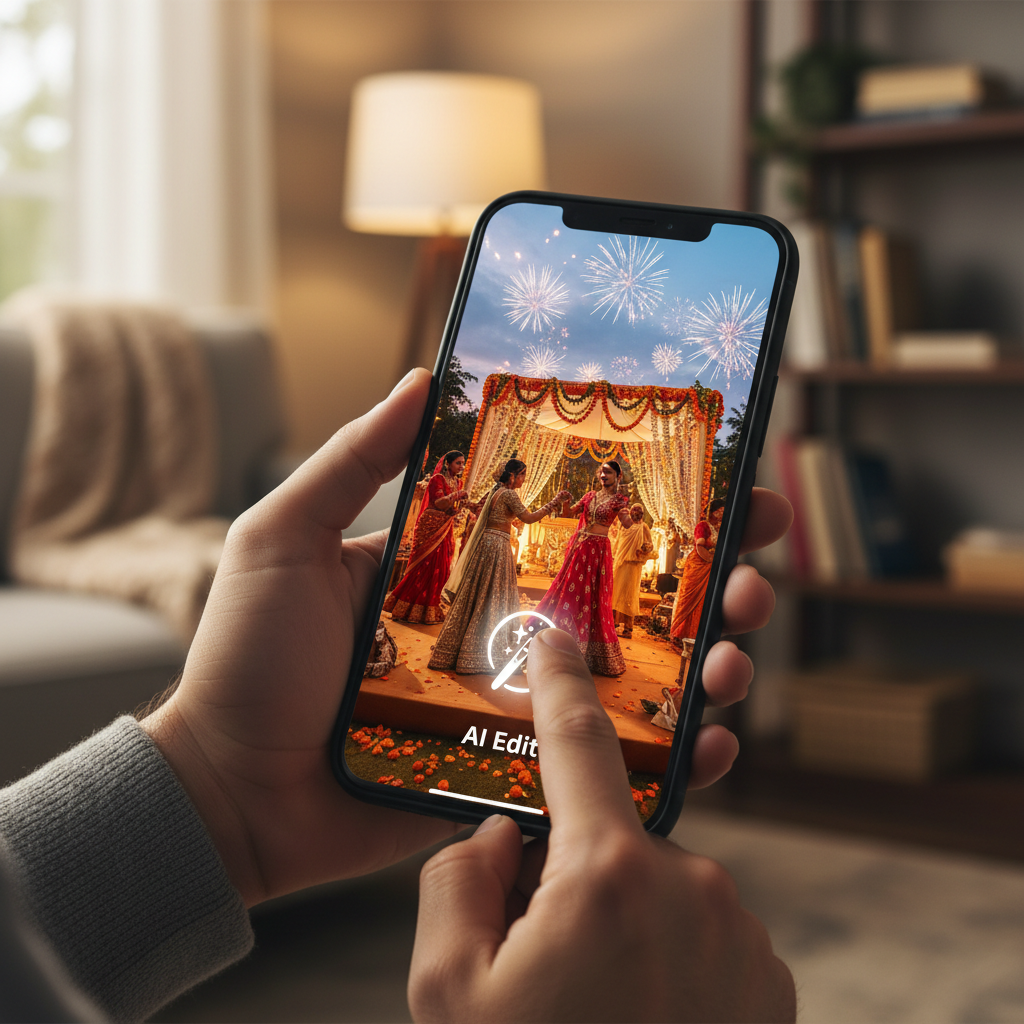
This opinion piece was drafted with AI assistance under the editorial direction of Rohan Mehta and reviewed before publication. Views expressed are the author's own.
The phone in my pocket felt heavy with memories. It was two days after my cousin’s sprawling, glorious, and utterly chaotic wedding in Jaipur. My camera roll was a digital treasure chest: short clips of my niece attempting a ghoomar dance, the blur of saffron and fuchsia saris, a shaky pan of the Amber Fort glowing under the afternoon sun, my uncle delivering an off-key but heartfelt speech. It was beautiful, vibrant, and completely unusable in its raw form.
I wanted to stitch these moments into a one-minute reel for Instagram. Something polished and shareable, a little capsule of the joy we all felt. But my video editing skills are, to put it mildly, non-existent. The very words ‘Final Cut Pro’ or ‘Adobe Premiere’ conjure images of complex timelines, bewildering menus, and hours of YouTube tutorials. I’m an editor, yes, but of words. Pixels are a different language, one I don’t speak.
Traditionally, my options were grim. I could either spend a whole weekend wrestling with clunky software to produce something mediocre, hire a freelancer for a small personal project (which felt like overkill), or do what I always do: post a few disjointed clips to my Stories and let them vanish in 24 hours. None of these felt right. The memories deserved better.
Working at Pulse AI, I’m constantly hearing about the next big thing in generative technology. The tool on everyone’s lips lately has been Pika, an AI video platform that promised to create and edit video from simple text prompts or existing clips. I’d seen the impressive demos online but remained a healthy skeptic. The output often looks great in a controlled demo, but how would it handle my shaky, poorly-lit, entirely normal phone footage from a family function?
So I decided to run an experiment. Could I, Rohan Mehta, a certified video editing novice, use this AI tool to create that beautiful 60-second Jaipur reel? And could I do it in less time than it takes to watch a sitcom episode? I set a timer for 30 minutes and dived in.
Getting started with Pika was refreshingly simple. I logged in with my Google account and was met with a clean, unassuming interface. There wasn’t a dizzying array of buttons or panels. It felt more like a messaging app than a creative suite, with a prompt bar at the bottom. The first step was to get my raw material into the system. I found the ‘Upload’ button and selected about ten of my favorite short clips from the wedding. No curation, just a jumble of moments.
My first target was a short, 4-second clip of the wedding venue’s entrance, decorated with marigolds. It was a nice shot, but too brief to establish any kind of mood. This is where I decided to try one of Pika’s most talked-about features: Extend. I selected the clip, clicked ‘Edit,’ and then ‘Extend by 4s.’ I didn’t give it any instructions; I just wanted to see what it would do.
A minute or so later, a new clip appeared. The AI hadn’t just frozen the last frame or created a weird, slow-motion effect. It had seamlessly continued the camera’s subtle pan, generating four new seconds of footage that looked completely real. The shadows moved correctly, people in the distant background continued their motion, and more of the marigold strings came into view. It was a subtle but profound moment. The AI understood the context, the motion, and the content of my video and realistically built upon it. My 4-second clip was now a more stately 8-second establishing shot.
Next came the real test. My videos were shot on a decent smartphone, but they still had that flat, un-graded look of amateur footage. They lacked the warm, dreamy, almost nostalgic quality I associate with Indian wedding films. I wanted to see if Pika could work some magic here. I selected a clip of my cousins laughing together.
This is where Pika’s style transfer and generative modification come into play. Instead of fiddling with saturation, contrast, or color curves — terms I barely understand — I simply described the feeling I wanted. In the prompt box next to the video, I typed: “Make this cinematic, with warm golden hour tones, soft focus, and a dreamy feel.”
The result was astonishing. The AI didn’t just slap a generic filter on top. It re-rendered the clip with the aesthetic I had described. The harsh afternoon light softened into a warm glow, the colours deepened, and a subtle depth of field appeared, blurring the background slightly to focus on my cousins’ faces. It looked intentional. It looked professional. It looked like the work of a colorist, not a command typed by a guy in his living room in Mumbai.
Emboldened, I got more ambitious. I had a clip of the dinner setup, which was lovely, but the tablecloths were a standard white. A bit bland. I selected the clip and used the ‘Modify Region’ tool, drawing a rough circle over one of the tables. The prompt I gave it was specific: “Change the tablecloth to a traditional Sanganeri block print fabric.” This was a hyper-specific, Indian cultural reference. I half-expected it to fail or produce a generic floral pattern. But when the new clip rendered, my jaw dropped. There it was: the distinct, intricate, and instantly recognizable pattern of Sanganeri printing, perfectly draped over the table with realistic folds and shadows. This wasn't just editing; this was creative collaboration with an algorithm.
Now I had a library of enhanced, beautiful-looking clips. Stitching them together was the final step. I dragged them onto the timeline at the bottom of the screen. Pika’s editor is a marvel of simplicity. You can drag to reorder clips, pull on the ends of a clip to trim it, and adjust the aspect ratio for Instagram Reels (9:16) with a single click. There were no layers, no complex audio channels, just a straightforward sequence of visuals. It felt intuitive, like arranging photos in an album.
To add a final touch of polish, I wanted a title card. Instead of searching for stock footage, I decided to generate one from scratch using Pika’s text-to-video feature. I typed the prompt: “A majestic elephant decorated for a royal Rajasthani wedding, walking slowly through a palace archway, hyperrealistic, 4K, cinematic lighting.” A minute later, I had a stunning, 3-second animated clip that looked like a shot from a multi-million dollar Bollywood film. I placed this at the beginning of my reel and used the simple text tool to overlay the words “Jaipur, 2024.”
I added a trending instrumental track directly from the Instagram app later, but the visual storytelling was complete. I looked at the clock. Twenty-two minutes had passed. I had gone from a folder of chaotic phone videos to a cohesive, cinematic, 60-second highlight reel that looked like it had been crafted by a professional.
When I posted it, the reactions were exactly what I had secretly hoped for. Friends and family didn't just 'like' it; they commented. “Wow, this is amazing! Who did you hire to shoot this?” my aunt messaged me. “What app did you use to get this effect?” asked a friend who is a budding photographer. The fact that the process was invisible, that the end result looked so far removed from my actual skill level, was the ultimate proof of concept.
This personal project revealed a much larger truth, one we often discuss at Pulse AI. Tools like Pika represent a fundamental shift in the creator economy. They are not just making things faster; they are collapsing the skills gap. The barrier to entry for creating high-quality, visually compelling content is no longer thousands of dollars of software and hundreds of hours of practice. It’s now just the clarity of your vision and your ability to describe it in plain language.
It reminds me of what Canva did for graphic design. Before Canva, if you needed a decent-looking poster or social media graphic, you either had to learn Photoshop or hire a designer. Canva gave millions of people a visual vocabulary and the tools to execute their ideas simply. Pika and its contemporaries are doing the exact same thing for the much more complex world of video.
Of course, it’s not perfect. In one of my generated clips, an extra finger momentarily appeared on someone’s hand, a classic AI artifact. I simply trimmed that half-second out. But these minor quirks feel like small prices to pay for such immense creative leverage. This isn’t about replacing professional videographers and editors, whose artistry and narrative intuition are irreplaceable for high-stakes projects. This is about empowering the rest of us. It’s about enabling a father to make a beautiful video of his daughter’s first steps, a small business owner to create a professional product ad, or me, to finally do justice to the vibrant, chaotic, and beautiful memories of a family wedding in Jaipur.
The phone in my pocket no longer feels heavy with unusable footage. It feels light with possibility.
Why it matters
- 01AI video tools like Pika empower absolute beginners to create professional-looking content in minutes.
- 02Features like style transfer and generative extend can transform basic phone footage into cinematic clips.
- 03The barrier to entry for high-quality video creation has been significantly lowered, democratizing digital storytelling.