Canva's AI Magic Studio: Making Pro Social Media Posts in Minutes
A beginner's guide for small business owners and students in India. Learn to use Canva's AI Magic Studio to create stunning social media graphics and captions.
This opinion piece was drafted with AI assistance under the editorial direction of Rohan Mehta and reviewed before publication. Views expressed are the author's own.
I’ve spent more hours than I care to admit staring at a blank white square on a screen. As an editor, words are my comfort zone, but visuals? That’s a different language. In the early days of my career, putting together a simple graphic for a blog post felt like climbing a mountain. I remember fiddling with clunky software, my frustration growing with every misaligned text box. The results were always… functional at best. I see that same frustration today in so many people.
My cousin, for instance, runs a delightful home bakery business from her apartment in Pune. Her cakes are masterpieces, but her Instagram posts used to be simple, slightly blurry phone photos. She’d tell me, “Rohan, I don’t have time to learn Photoshop! My day is all about flour, sugar, and delivery schedules.” She speaks for thousands of small business owners, freelancers, and students across India. You have a brilliant idea, a great product, or an important project, but you lack the design skills or the budget to make it look as good as it deserves to online.
For years, Canva has been the go-to answer for this. It made design accessible. But even with templates, you still had to do the work of choosing, adapting, and writing. It was easier, but not always fast. Now, things have changed again, and this change is powered by AI. I’m talking about Canva’s Magic Studio. If you’ve shied away from AI tools thinking they’re too complex or robotic, I’m here to tell you that this is different. This feels less like a machine and more like a very fast, very eager intern.
Let’s walk through a real-world scenario. Imagine you’re my cousin with her bakery. Diwali is around the corner, and she’s launching a special collection of dry fruit gift boxes. She needs an announcement post for Instagram, and she needs it now, between batches of cookies. This is where the magic begins.
She opens Canva, just as she normally would. But instead of scrolling endlessly through templates, she clicks on the ‘Magic Design’ feature. A search bar appears, asking a simple question: “What do you want to create?” This is not about code or complex commands. It’s about speaking plain English.
She could type something like: “An Instagram post for my home bakery, ‘Sweet Somethings’, announcing our new luxury Diwali gift boxes. Use auspicious colours like gold, maroon, and orange. Make it look elegant and festive.”
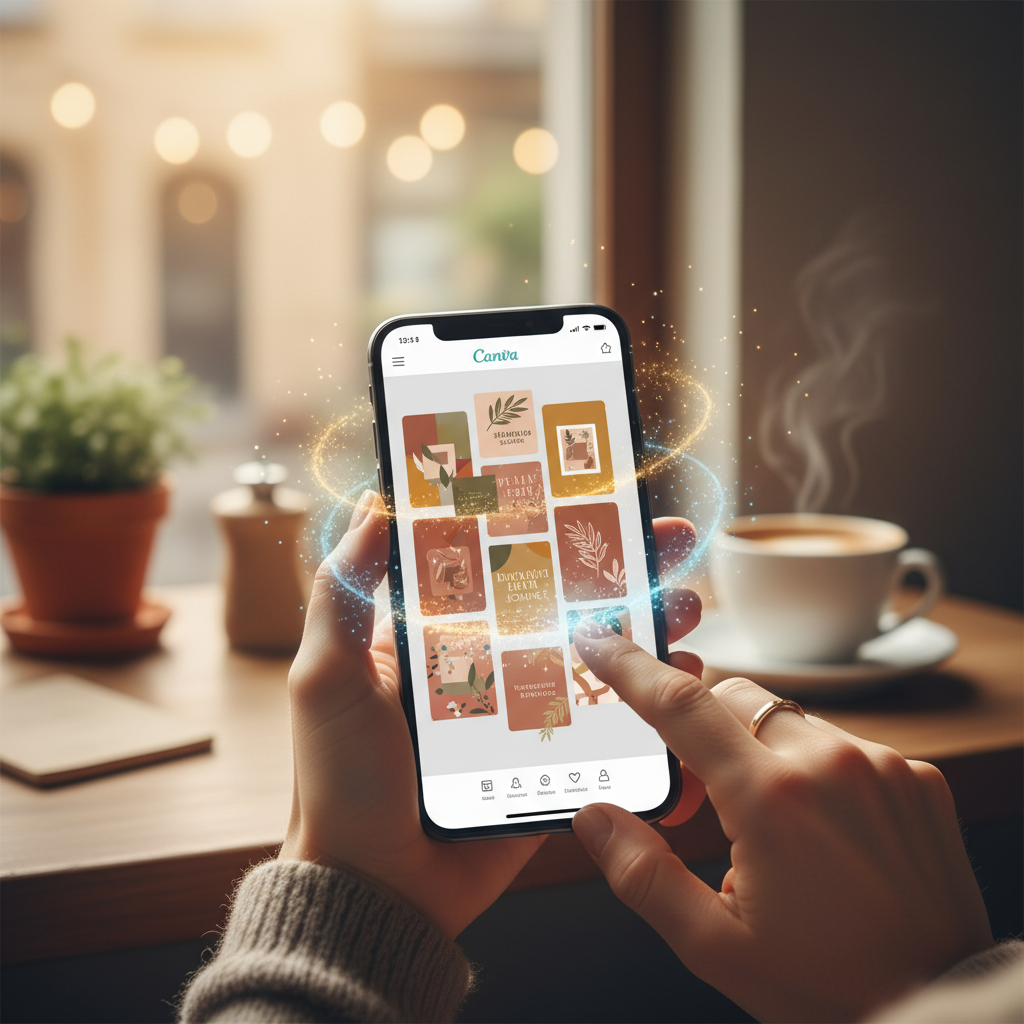
The AI gets to work instantly. Within seconds, Canva doesn’t just suggest one template; it generates a whole grid of them, eight to ten unique options, right there on the screen. Some might use a rich maroon background with golden text, others might incorporate traditional motifs like diyas or rangoli patterns in a modern way. Each one is a fully-formed design concept. The AI has done the heavy lifting of interpreting “elegant and festive” into concrete visual elements.
This is the first major leap. It’s not about finding a template; it's about having templates created for you, based on your specific need. There’s no more trying to force a Christmas-themed template to work for Holi. You just ask for what you need. For a student in Mumbai trying to create a poster for their college’s tech fest, they could type “Poster for a college hackathon called 'CodeStorm'. Use futuristic themes, neon blue and black colours, and a high-tech font.” The results would be ten times more relevant than anything they’d find by searching for “tech poster.”
Now, here’s the crucial part that most people miss when they talk about AI. The goal is not to blindly accept the first design the machine spits out. Think of these AI-generated options as a first draft from your new intern. They’re a fantastic starting point. My cousin might like the layout of one design but prefer the font from another. She can click on her preferred option, and now she’s in the familiar Canva editor.
She drags and drops a photo she just took of her beautiful gift box, replacing the placeholder image. The AI might have used a generic “Happy Diwali” greeting, but she can edit the text to say “Light up your Diwali with Sweet Somethings.” She can shift the logo slightly to the left, increase the font size, or change the shade of gold to perfectly match her brand. It takes her maybe five minutes, but in that time, she has transformed a good AI-generated template into a great post that is uniquely hers. She didn’t have to start from a blank page. The creative inertia was broken for her.
With the visual done, we hit the second wall every creator knows well: the caption. What do you write? How do you sound engaging without being cheesy? How do you remember all the right hashtags?
Enter ‘Magic Write’, Canva’s AI text generator. Right within the design editor, where you’d add your caption, there’s a little sparkle icon. Click it. Again, a simple prompt box appears. My cousin could type: “Write an enthusiastic Instagram caption for our new Diwali gift boxes. Mention they are handcrafted with premium dry fruits, are available for pre-order in Pune, and make a perfect gift for family and friends. Include a call to action to DM for prices. Add some relevant hashtags.”
Within seconds, Magic Write provides a draft. It might be something like: “✨ This Diwali, share the love with our exquisite, handcrafted gift boxes! 🎁 Packed with the finest premium dry fruits, they are the perfect way to wish your loved ones a sweet and prosperous festival. We’re now taking pre-orders in Pune! DM us to get yours and light up your celebrations. #DiwaliGifts #PuneHomeBakers #HandmadeWithLove #FestiveGifting #SweetSomethingsPune”
Is it the most poetic prose ever written? No. But is it a solid, usable caption that she can post immediately? Absolutely. It’s a B+ piece of work done in ten seconds, which is infinitely better than the A+ you never get around to writing. Just like with the design, she can then refine it. She could add a personal sentence at the beginning, like “I’ve poured my heart into creating these special boxes for you this year!” This little touch of humanity, combined with the AI’s efficiency, is the winning formula.
This process is a fundamental shift. It’s about collaboration between human and machine. I see it as the great equaliser. A small business in a Tier-2 city like Indore can now produce marketing materials with the same polish as a venture-funded startup in Bengaluru. A student running for college council can create a campaign that looks like it was designed by a professional agency. The barrier to entry for looking professional has been completely obliterated.
I’ve heard the counterarguments. Some say AI-generated design will lead to a world where everything looks the same. I find this view a bit pessimistic. It’s like saying because everyone has access to a dictionary, all poems will sound alike. The tool is only one part of the equation; the user’s intent, taste, and personal touch are what bring it to life. The AI in Canva is not here to replace your creativity, but to unblock it. It’s the friend who gives you an idea when you’re stuck, allowing you to run with it and make it your own.
Think of it this way. In India, we are masters of ‘jugaad’ – innovative, frugal problem-solving. We find clever ways to get things done with the resources we have. These AI tools are like the ultimate jugaad for the digital age. They save our most precious resources: time and mental energy. That time saved is time my cousin can spend perfecting a new recipe, or a student can spend studying for an exam. The creative energy saved means you can focus on the core of your work, not on the frustrating periphery of graphic design.
So, my advice is simple. Don't be intimidated. Don’t wait for a tutorial or a course. Open Canva right now. Think of one thing you need to promote – a product, an event, a skill, anything. Find Magic Design and type a one-sentence description of what you want. See what it comes up with. Then, pick one and spend just five minutes changing one photo and one line of text. The barrier you think is there is an illusion. The power to create professional-looking content is already at your fingertips, and it speaks your language.
Why it matters
- 01Use Canva's 'Magic Design' with a simple text prompt to instantly generate multiple, relevant design templates for your project.
- 02Leverage 'Magic Write' to overcome writer's block and quickly produce solid drafts for social media captions and text.
- 03Always treat AI-generated designs and text as a starting point, adding your personal touch and brand voice to make them unique.