I Gave an AI My Bank Statements. A Guide to Securely Analyzing Your Spending.
I've always been terrible with money. So, I used a secure, offline AI to analyze my spending. Here’s a beginner's guide on how you can safely do it too.
This opinion piece was drafted with AI assistance under the editorial direction of Rohan Mehta and reviewed before publication. Views expressed are the author's own.
My financial life, for the longest time, has been a spreadsheet only a madman could love. It was a chaotic jumble of rows and columns, a digital monument to my inability to budget. Every month, I’d dutifully download my bank and credit card statements, promising myself that this would be the time I finally cracked the code, the time I’d understand where my salary was evaporating. And every month, I’d give up, defeated by the sheer mess of it all.
The descriptions were cryptic. What was ‘UPI/9876543210/PAYMENT’? Was that the quick coffee I grabbed, the payment to my vegetable vendor, or me sending money to a friend? My spending was a death by a thousand cuts, from Zomato feasts and late-night Swiggy Instamart runs to the automatic SIPs for my mutual funds and the autopay for my phone bill. Trying to categorize it all felt like trying to unscramble an egg.
I’ve tried the apps. All of them. The ones that want to read your SMS alerts, the ones that need you to link your bank accounts directly. They always felt either too intrusive or too incomplete. They’d capture my credit card swipes but miss my UPI spending, or they’d track my food delivery but have no idea what to do with an equity trade. The result was a fragmented picture that was more confusing than helpful. I was drowning in data about my own life, with no real insight to show for it.
Then, working at an AI publication, I had a thought. What if I could outsource this mess? What if I could hand over this digital shoebox of receipts to an AI and ask it to just… figure it out for me? The idea was both thrilling and terrifying. Give a large language model my bank statements? The very thought sent a shiver down my spine. My financial data is just about the most private information I have. The risk seemed immense.
But that’s when I learned about a crucial distinction in how these AI tools work. There’s a world of difference between pasting your data into a public web chat and using a tool that processes your information locally on your own machine. I started looking into the desktop version of ChatGPT, specifically its data analysis feature powered by GPT-4o. I discovered that when you upload a file to it, the model runs your request in a secure, sandboxed environment. Your data isn’t sent out to the world, and importantly, it’s not used to train the model. It’s like having a world-class financial analyst come into your home, sit in a sealed room with your papers, give you a report, and then shred everything on their way out. No traces left behind. This was the game-changer. This was the secure path I was looking for.
So, I decided to take the plunge. If you’ve ever felt like me — curious but cautious, and terrible at budgeting — this is the step-by-step story of how I did it.
First, I needed the raw material: my data. I logged into my HDFC Bank net banking portal and navigated to the 'enquire' section to download my account statement. I chose a three-month period to get a good sample size. The crucial option here is the download format. Instead of a PDF, I chose ‘CSV’ (Comma-Separated Values). Don’t let the acronym scare you. A CSV is just the simplest form of a spreadsheet, a plain text file that any data analysis tool can easily read. I did the same for my primary credit card.
Before I let the AI anywhere near it, I took one extra security step. I opened the CSV file in Microsoft Excel. It looked like a typical bank statement, with columns for date, transaction description, debit, and credit. I found the column with my name and account number and simply deleted it. The AI doesn’t need to know who I am, just what the numbers say. I replaced my name in a few transaction lines with a generic 'Self'. This process, called anonymization, took me less than five minutes and gave me complete peace of mind.
With my clean, anonymous CSV file ready, I opened the ChatGPT desktop app. I clicked the little paperclip icon next to the message box and selected my bank statement file. It was attached to my prompt, ready to go. My heart was still beating a little faster than usual. This was the moment of truth.
I typed in my first prompt. I tried to be clear and direct, treating the AI like a new employee I was briefing. My prompt was: “You are a personal finance analyst. I have uploaded a CSV of my bank statement for the last three months. Please clean up the data, categorize every transaction into clear spending categories like Groceries, Food Delivery, Rent, Investments, Utilities, Shopping, and Travel. Then, provide a summary of my total income and expenses.”
I hit enter and watched. Within about thirty seconds, the AI responded. It confirmed it had read the file and then presented me with a neatly formatted table. Every cryptic transaction was suddenly labeled. ‘ZOMATO INTERNET’ was now ‘Food Delivery.’ ‘BIGBASKET’ was ‘Groceries.’ That mysterious UPI payment was identified as a transfer to a friend, based on the name in the memo. My SIP investment in a Parag Parikh fund was correctly labeled ‘Investments.’ It was magical. It was like a light had been switched on in a dark, cluttered room.
It wasn't perfect on the first go, of course. It had lumped a few Amazon purchases into ‘Miscellaneous’. So, I gave it a follow-up instruction, just like I would with a human analyst. “That’s a great start. Please re-categorize all transactions with 'AMZN' or 'Amazon' in the description as 'Shopping'. Also, any transaction with 'SIP' or 'MUTUAL FUND' should be under 'Investments'.”
Again, it processed the request instantly and updated the table. This back-and-forth was the real power of the tool. It wasn't a rigid program; it was a conversation. I could continuously refine the categories until they perfectly reflected my life.
Now for the part that truly blew my mind. The visualization. Staring at a table of numbers is one thing, but seeing your habits visually is another. I typed: “Now, create a pie chart that shows my spending distribution across these categories for the entire period.”
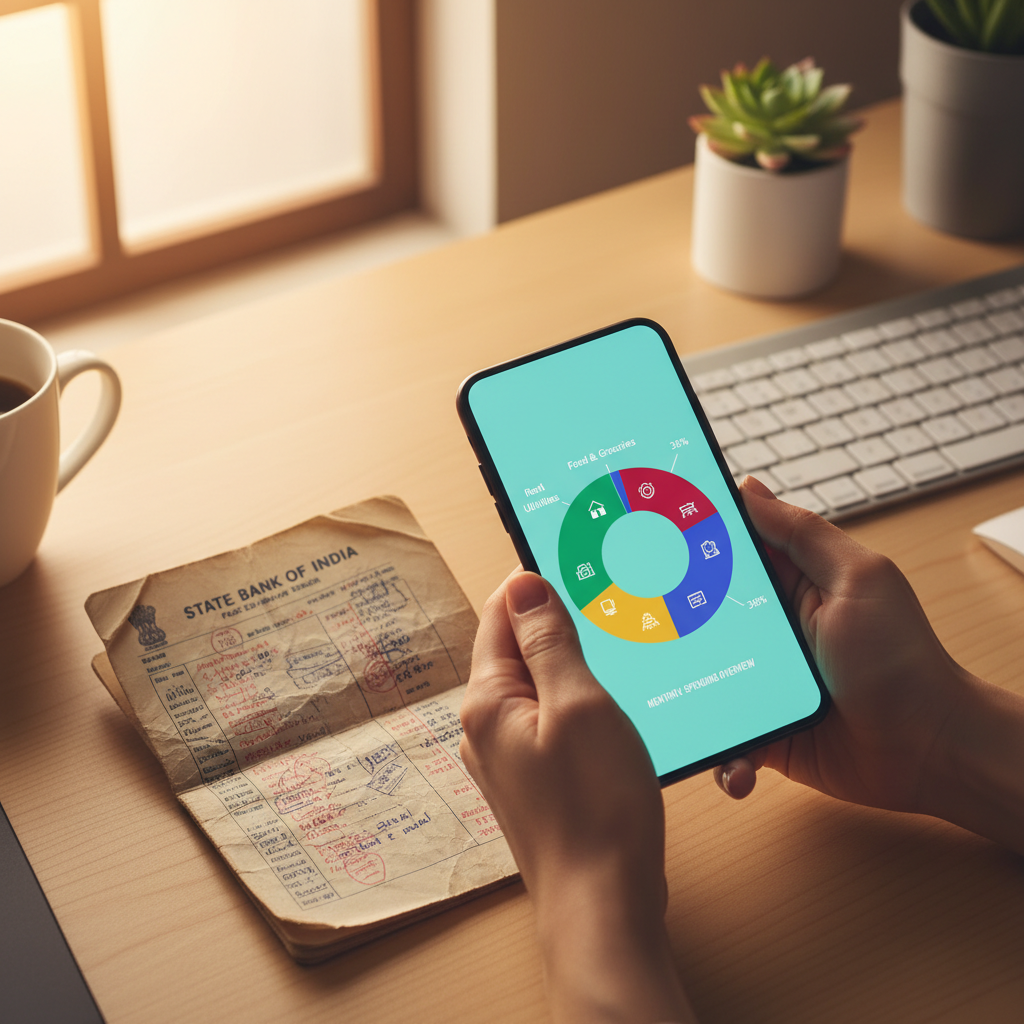
A few moments later, a full-color pie chart appeared on my screen. And I just stared. It was a brutal, beautiful, damning piece of evidence. The kind of clarity I had been seeking for years was right there. A huge, glaring slice of the pie, representing 24% of my net spending, was labeled ‘Food & Dining’. This included both food delivery and eating out. For the first time, it wasn't an abstract feeling of 'I think I spend too much on Zomato.' It was a hard number. A quarter of my money was going towards convenience food.
I dug deeper. “Create a bar chart comparing my monthly spending on 'Food Delivery' versus 'Groceries' for each of the last three months.” The chart it generated showed a worrying trend: my grocery bill was stable, but my food delivery bill was climbing steadily each month. The visual was undeniable. It wasn't inflation; it was lifestyle creep, in graph form.
Over the next hour, I became a data scientist of my own life. I asked it to show me my average weekend spending versus weekday spending. I had it plot the total value of all my UPI transactions. Each chart, each table, was a small revelation. I saw the financial impact of a short vacation I took, the steady rhythm of my monthly investments, and the swarm of tiny, impulsive purchases that added up to a significant sum.
This exercise did more than just give me a budget; it gave me awareness. I wasn't just looking at numbers; I was looking at my choices, my habits, my priorities, reflected back at me. And because I had done it all securely on my own computer, there was no lingering fear that my data was being harvested or sold. The insights were for me and me alone.
This experience has changed my entire perspective on personal AI. We often think of AI as this giant, corporate force used to sell us things or automate jobs. But this felt different. This was AI as a personal tool, a microscope for self-examination. It empowered me to understand my own data, to turn a source of anxiety into a source of clarity. It didn't judge me; it just showed me the facts of my own behavior.
If you're out there, staring at your own messy spreadsheet, feeling overwhelmed, I can't recommend this enough. You don't need to be a tech expert. You just need to be willing to download a statement, ask a few simple questions, and have an honest conversation with a very smart analyst that lives inside your computer. Budgeting is no longer about painful restriction for me. It’s about conscious choice. And for the first time, I feel like I'm finally in the driver's seat.
Why it matters
- 01You can securely analyze your finances using AI by using desktop apps that process data locally, not in the cloud.
- 02Start by downloading your bank statement as a CSV file and removing personal details for extra privacy.
- 03Use simple, conversational prompts to ask the AI to categorize transactions and create visual charts for clear insights.